
How do I Install Nord VPN on a Firestick?
Author:
Colin Aulds
Updated:
Disclaimer:
this article includes links to products for sale on our site

Nord VPN is one of our top rated VPNs. It’s consistently has the highest ratings for speed and ease of use. More importantly, it’s been independently verified to not be keeping logs.
Usually, if you want to connect small devices to a VPN, you need to set up a VPN router.
Luckily, both Nord and Amazon have made it easy to set up a VPN on your firestick without having a VPN router. Follow the steps below for the easy way to install Nord VPN on an Amazon Firestick:
1. Ensure that you have an account with Nord VPN.
2. Plug in and turn on your Firestick
3. Select the magnifying glass at the top.
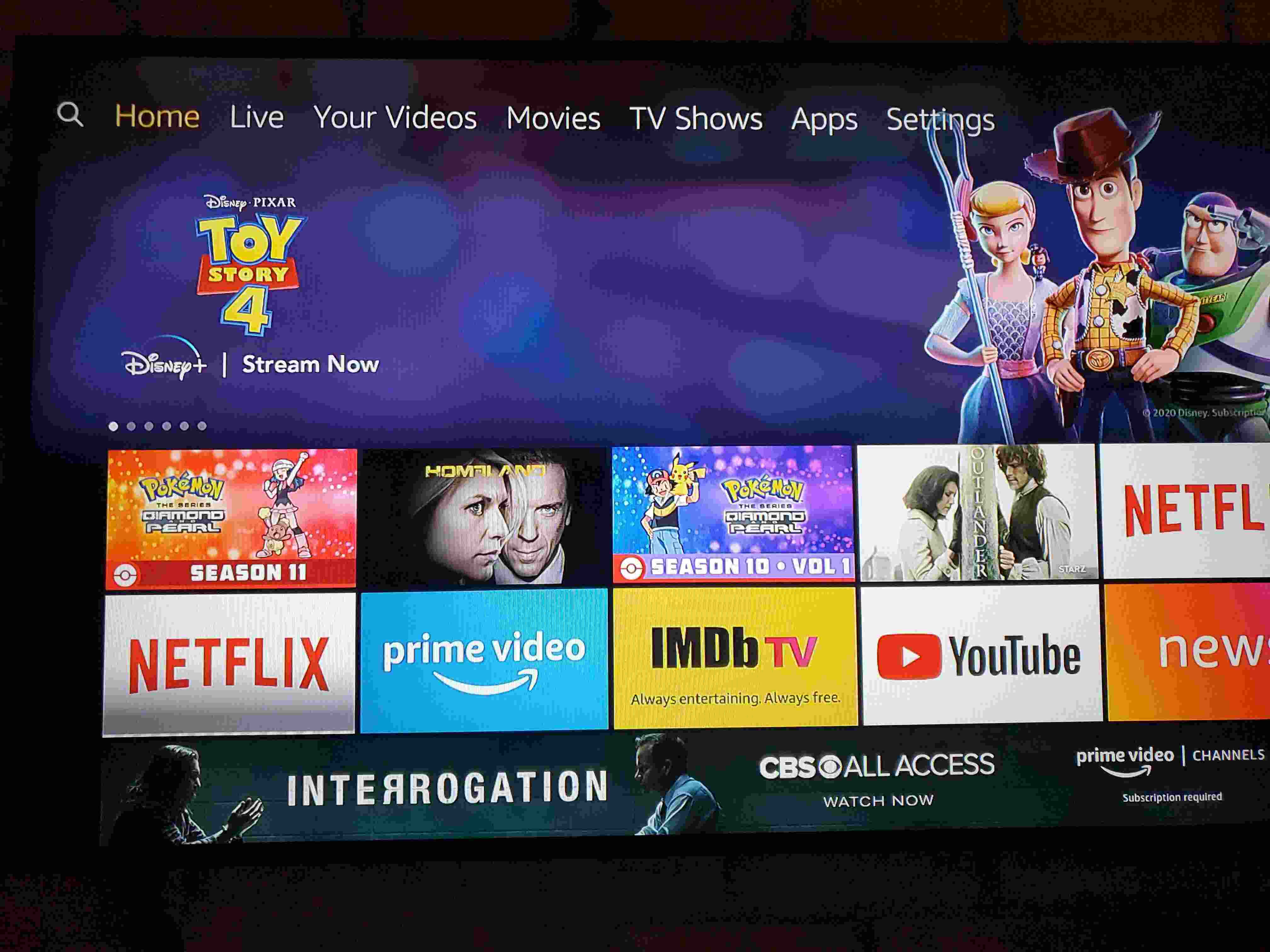
4. Type “Nord VPN” in the search bar
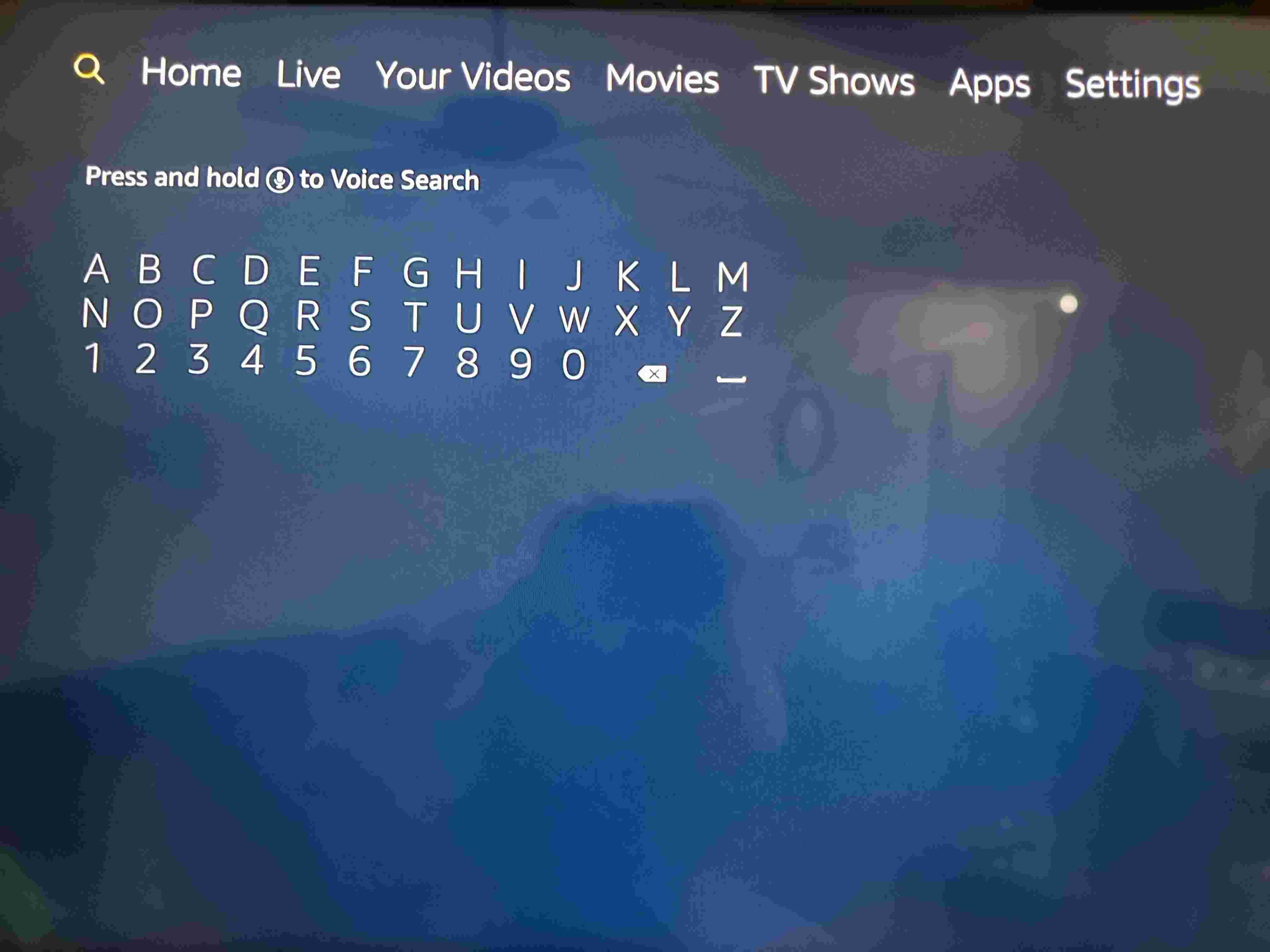
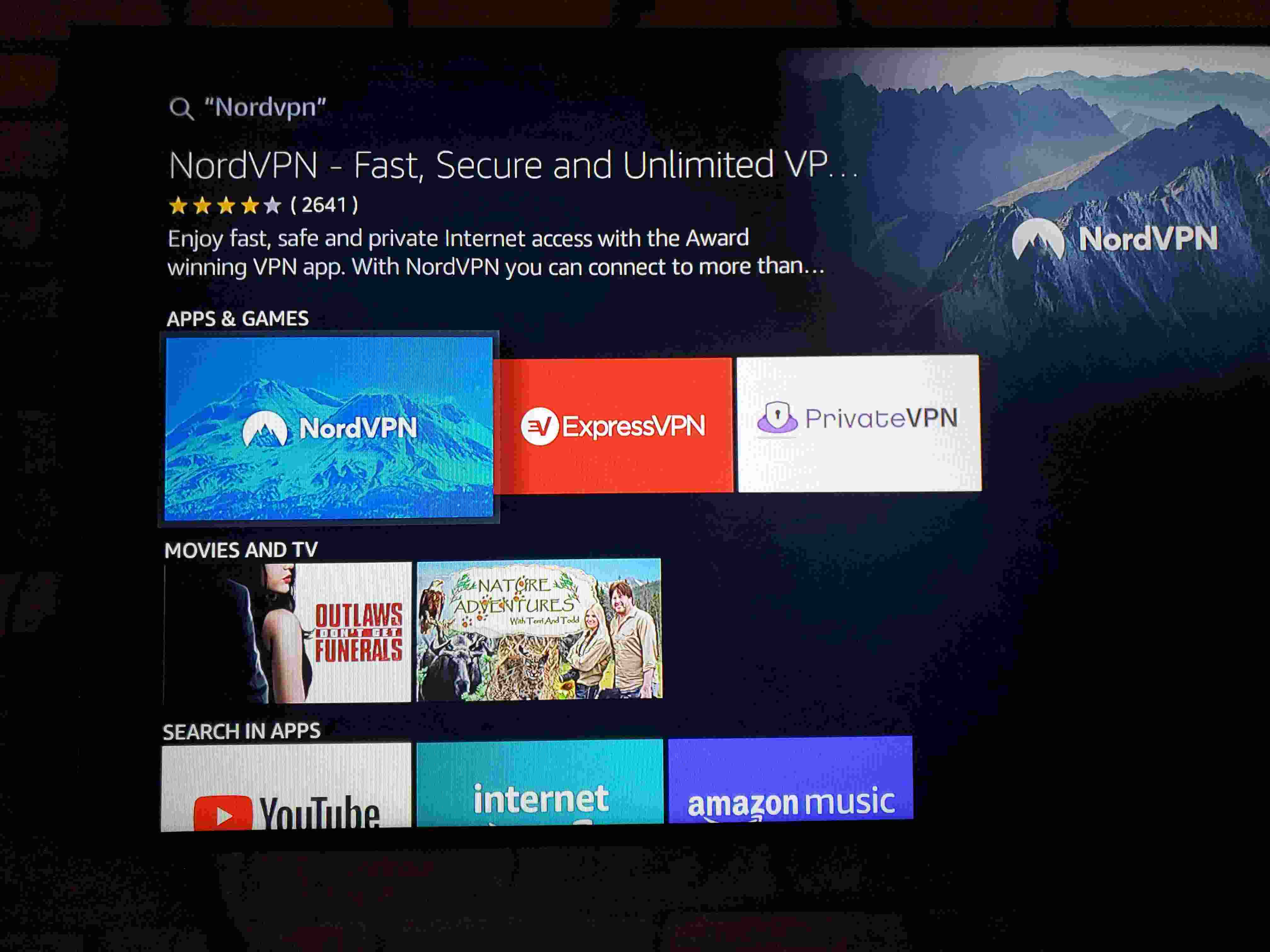
5. Click the “Get” button to download and install the app. The get button will turn into “Downloading” and then “Installing”
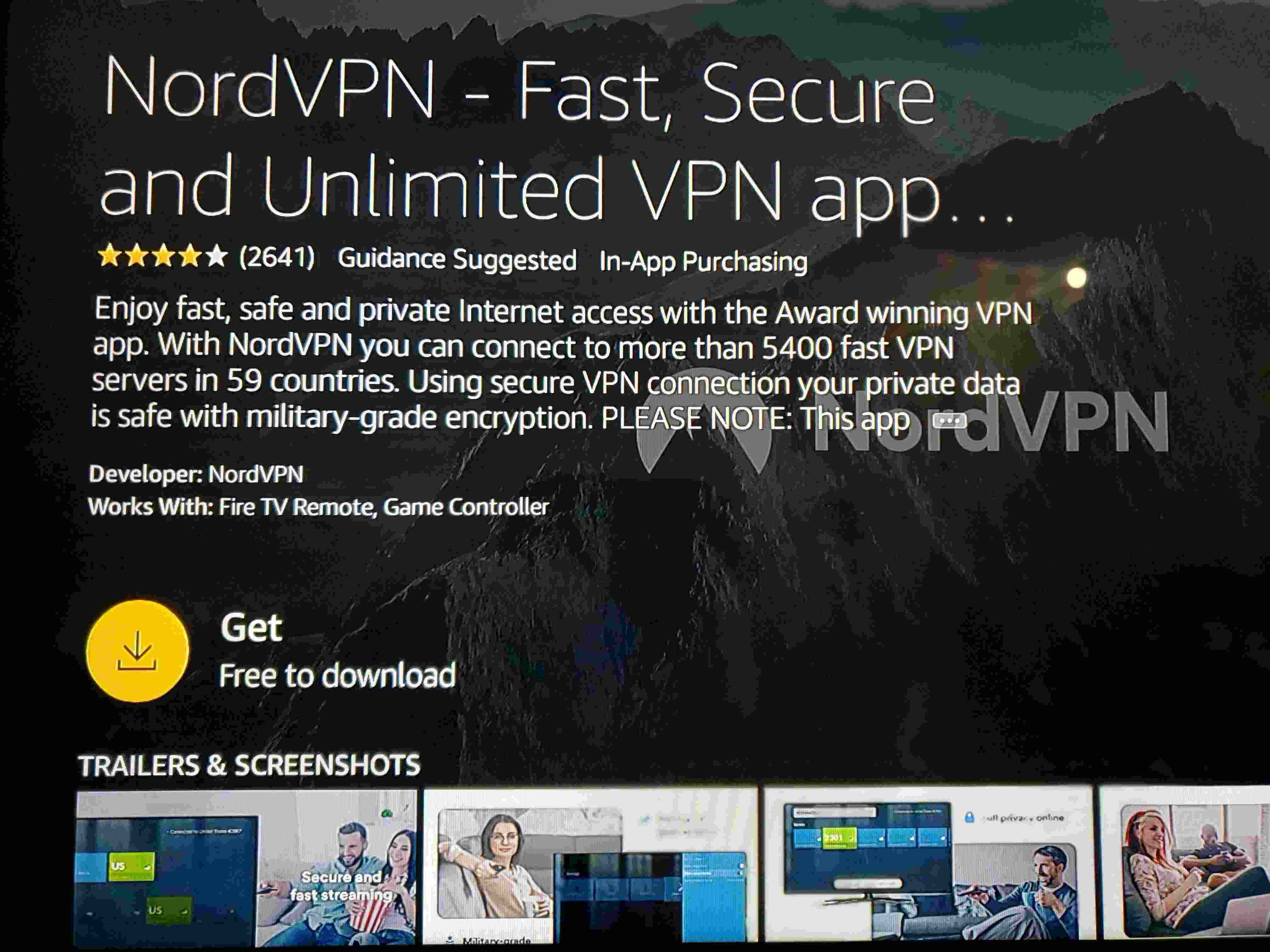
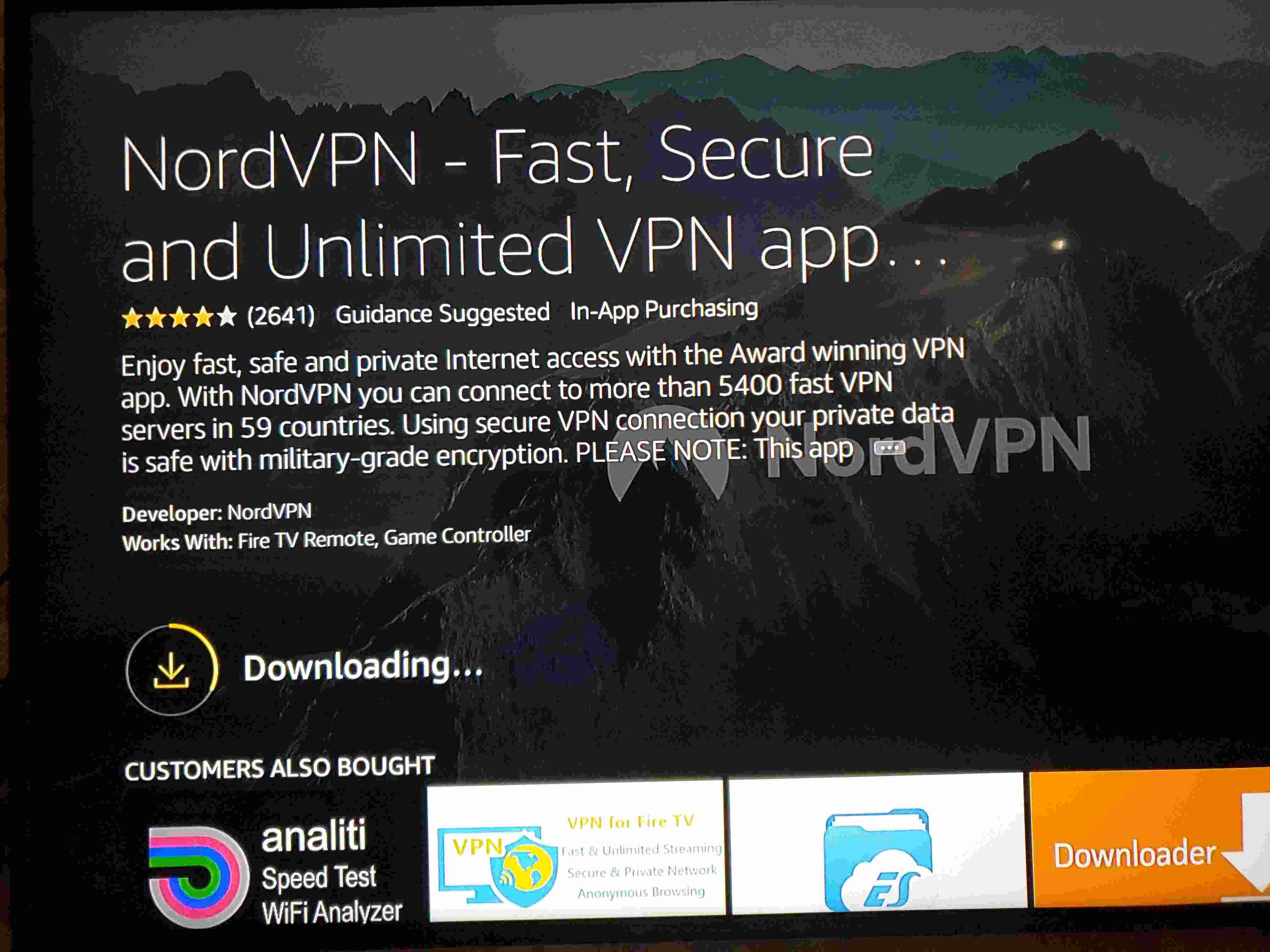
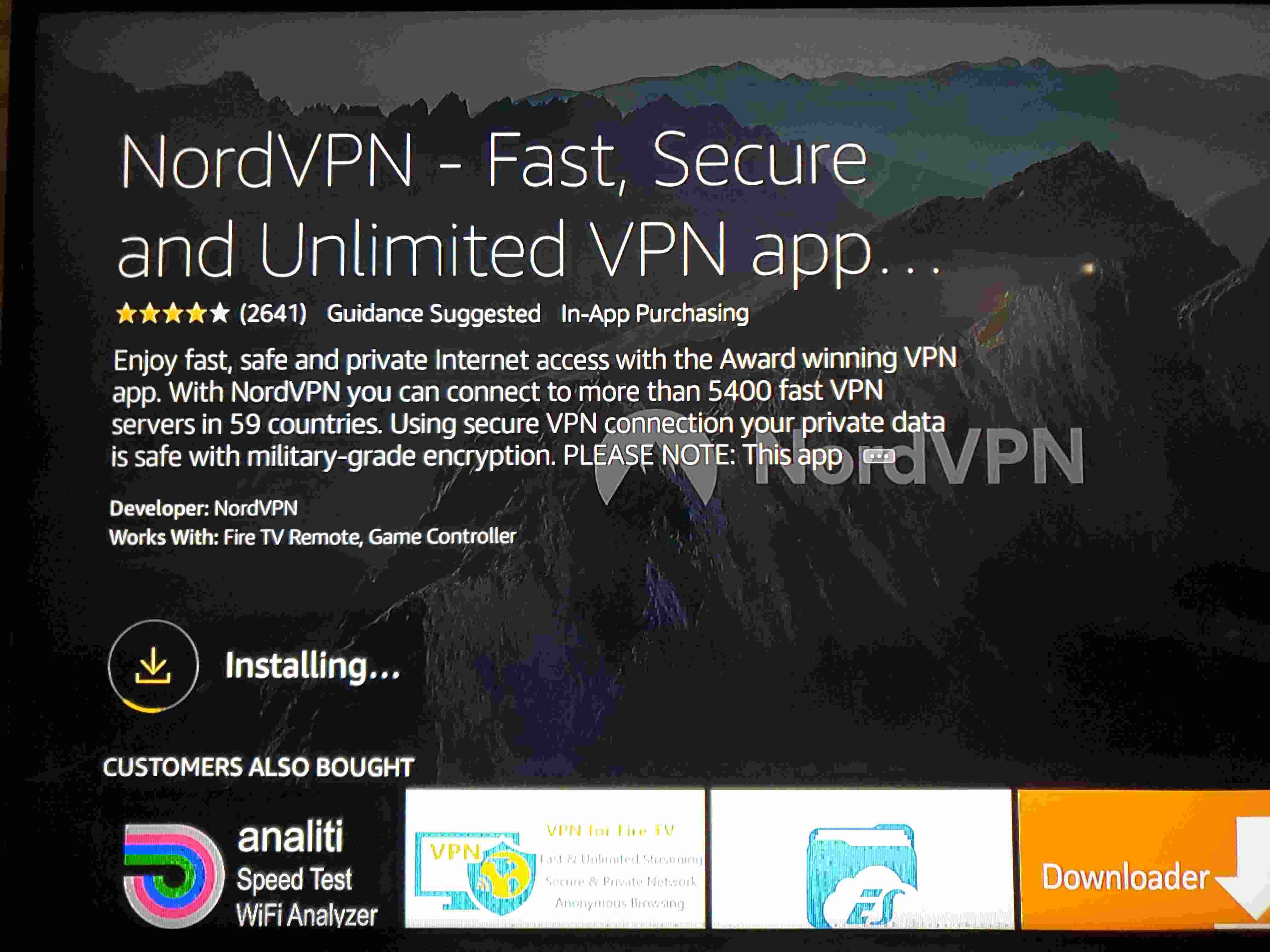
6. The “Get” button will turn into an “Open” button. Click the “Open” button. The NordVPN app will now appear in your Apps page as well.
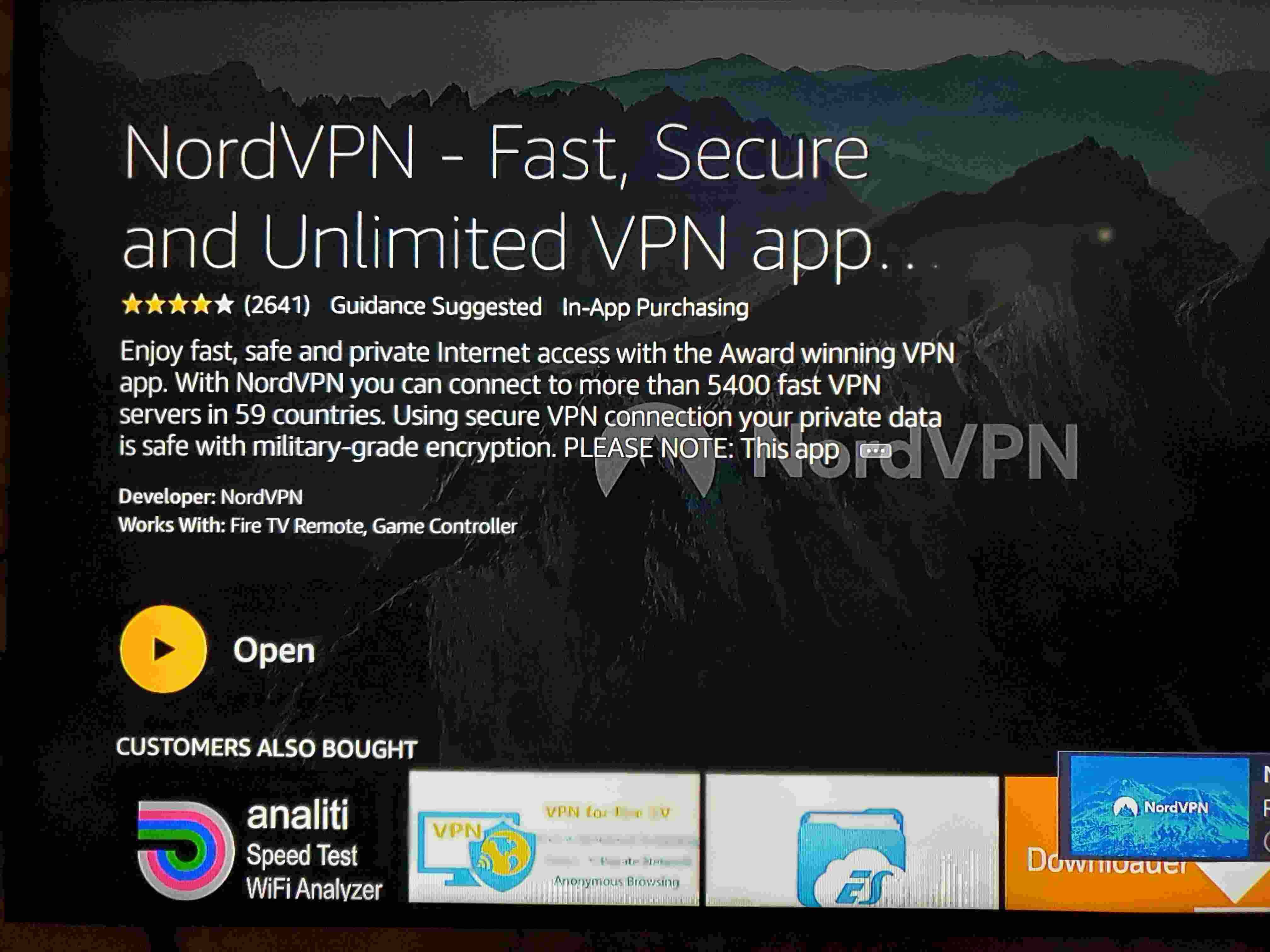
7. Allow the firestick to download and install all of the updates to the NordVPN app if needed.
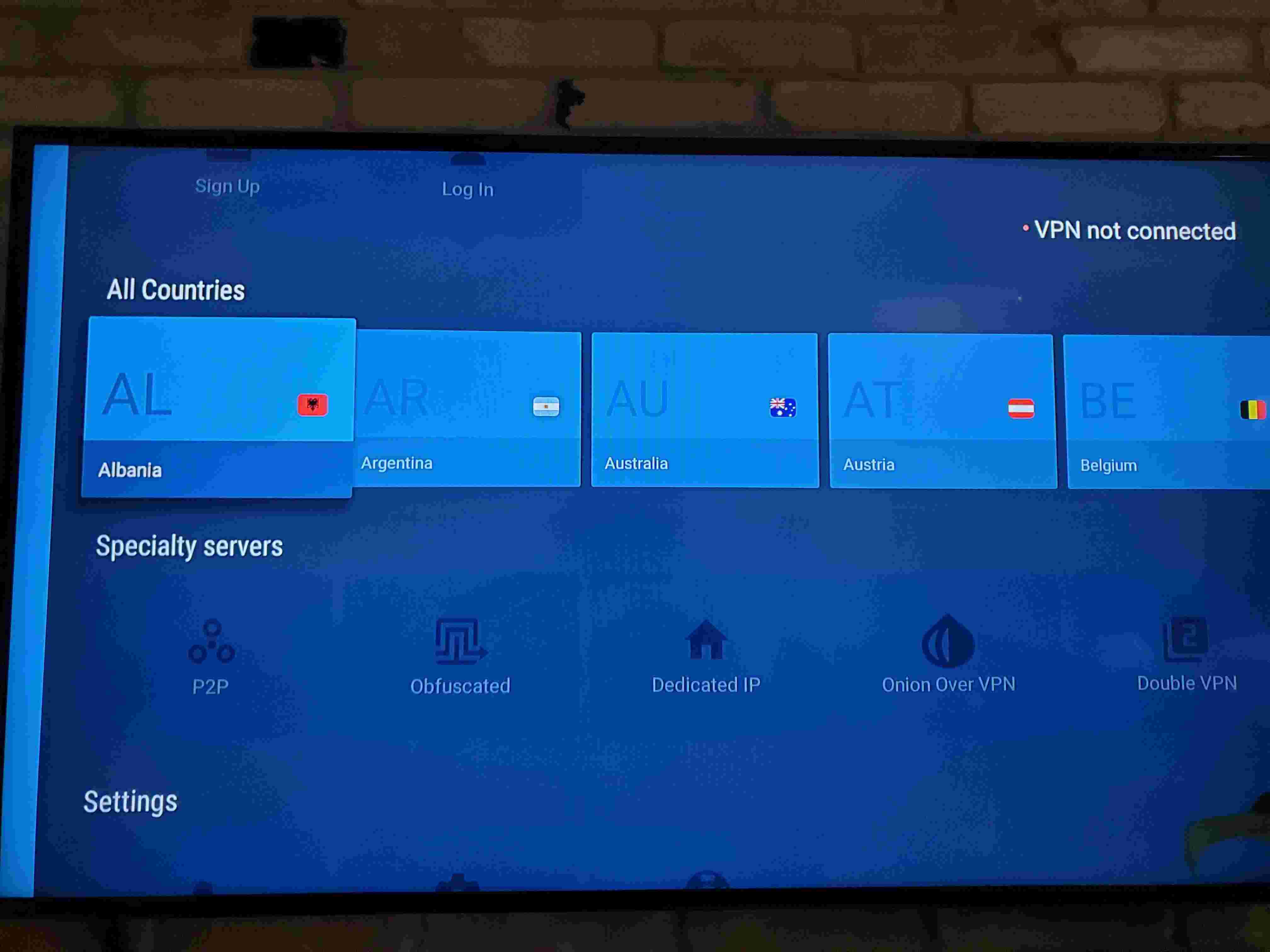
8. Click Log In
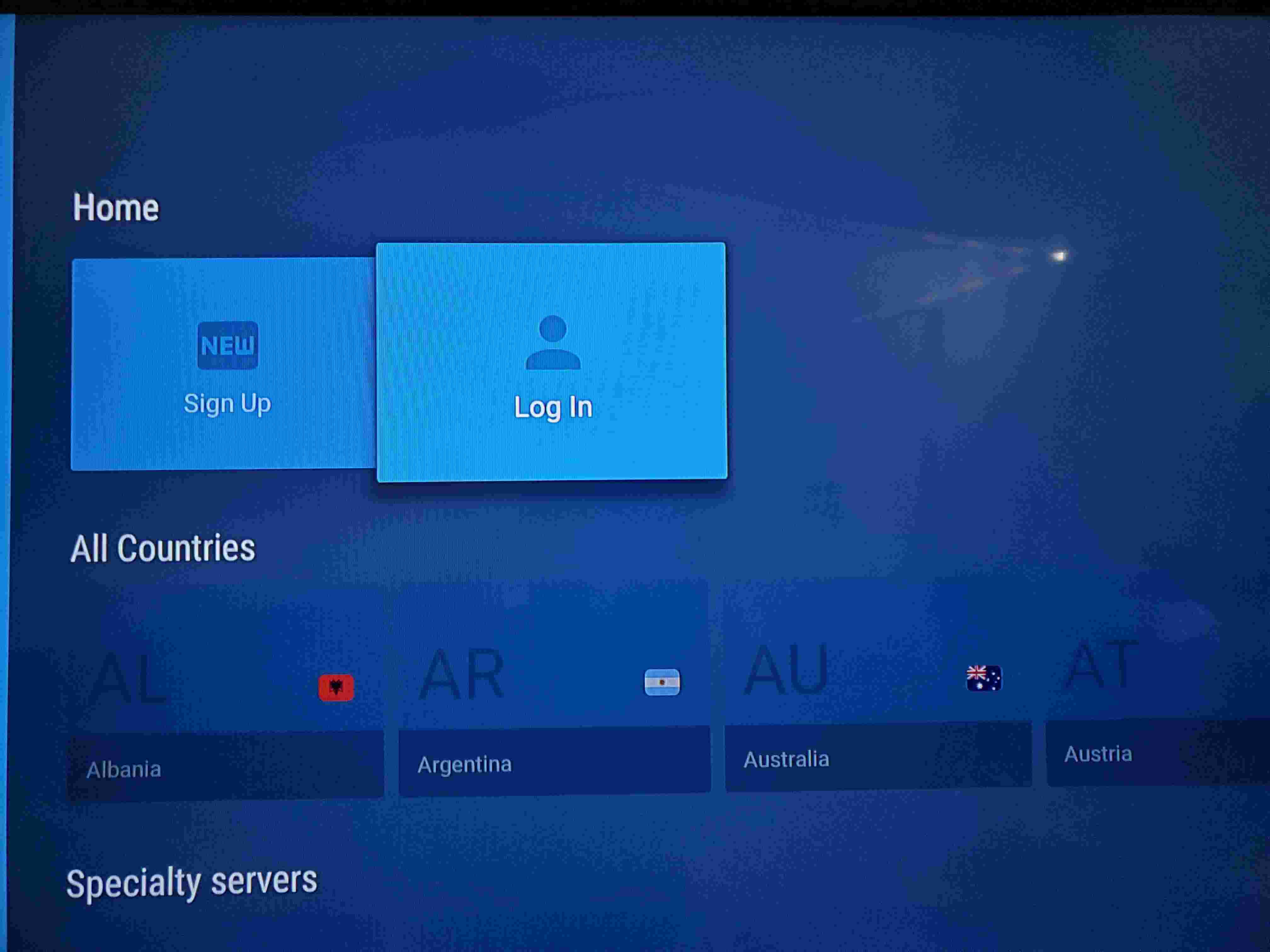
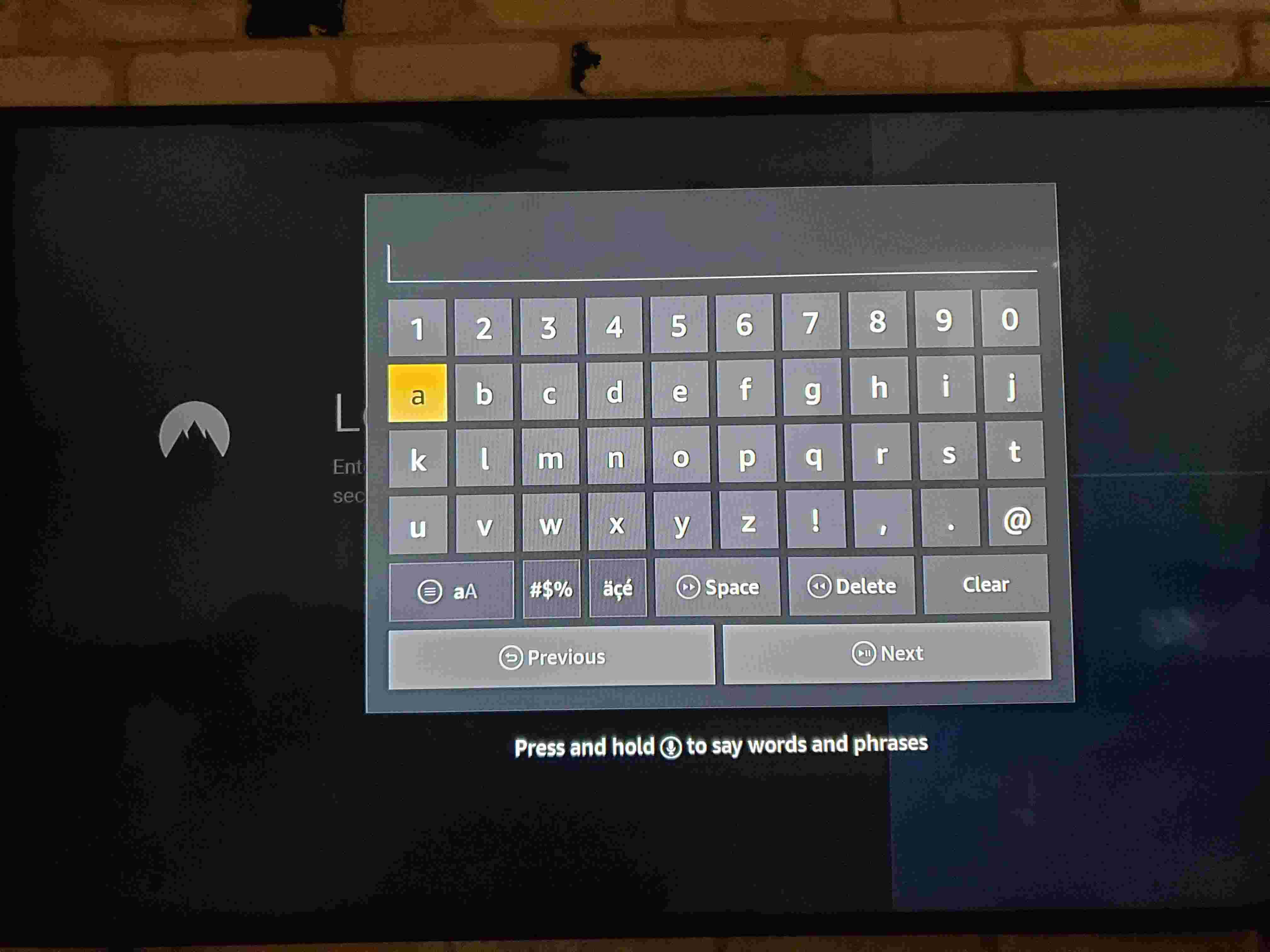
9. Enter your NordVPN Username and Password
10. Once logged into NordVPN, choose your server and connect.
Once you have completed these steps, you will be able to use your firestick in any location. You can now access geo-blocked content from any country that Nord services.